Recordings
Manage system recordings captured during Lookout+ operations. Recordings preserve camera feeds, detections, and sensor data in MCAP format for analysis and model improvement.
Recording Overview
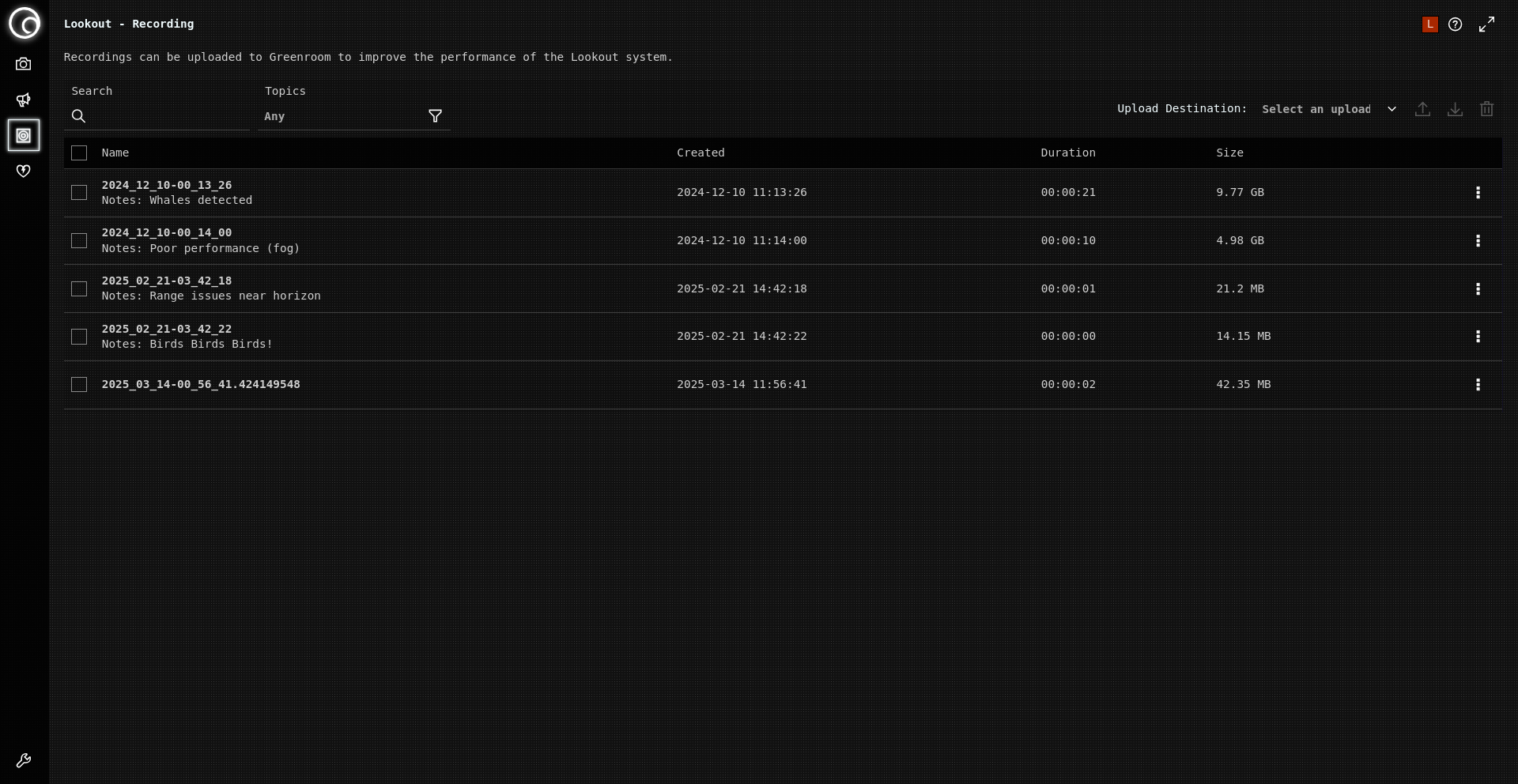
MCAP recordings contain:
- Camera feeds: EO and IR video streams
- Detection data: Object classifications and tracking
- Sensor data: GPS, INS, compass (version-dependent)
- External data: AIS, radar tracks (Lookout Nav only)
Recording Controls
Manual Recording
- Press "Record" button on Detections page for on-demand capture
- Use for unusual scenarios, training data, or incident documentation
Automatic Recording
- Alert-triggered: Configured through alert settings with pre/post buffers
- Event-based: Specific object types or high-confidence detections
Playback and Review
Foxglove Studio
- Download: https://foxglove.dev/download
- Features: Synchronized streams, timeline scrubbing, measurement tools
- Use for: Event analysis, performance assessment, crew training
Review Purposes
- Operational: Examine detection accuracy and system response
- Technical: Evaluate tracking performance and sensor fusion
- Training: Crew education and model improvement feedback
Operational Procedures
Daily Operations
Pre-operation:
- Check storage space
- Configure automatic triggers
- Test recording functionality
During operations:
- Balance storage use with operational needs
- Monitor recording status during critical events
- Use manual triggers for notable situations
- Add "Notes" to recordings
Special Scenarios
High-value recordings:
- First encounters with new object types
- System performance anomalies
- Environmental extremes
- Marine mammal encounters for compliance
Data Sharing
Greenroom model improvement:
- Share challenging detection scenarios
- Contribute false positive/negative examples
- Provide diverse environmental conditions data
Privacy: Remove sensitive navigation data before sharing
Related Documentation
- Data Collection: How your recordings help Lookout+ learn
- Managing Detections: Understanding detection data in recordings
- System Alerts: Configuring alert-triggered recording
- System Health: Monitoring recording system performance